 AI Photographer
Wall portraits and collages, designed on the iPad.
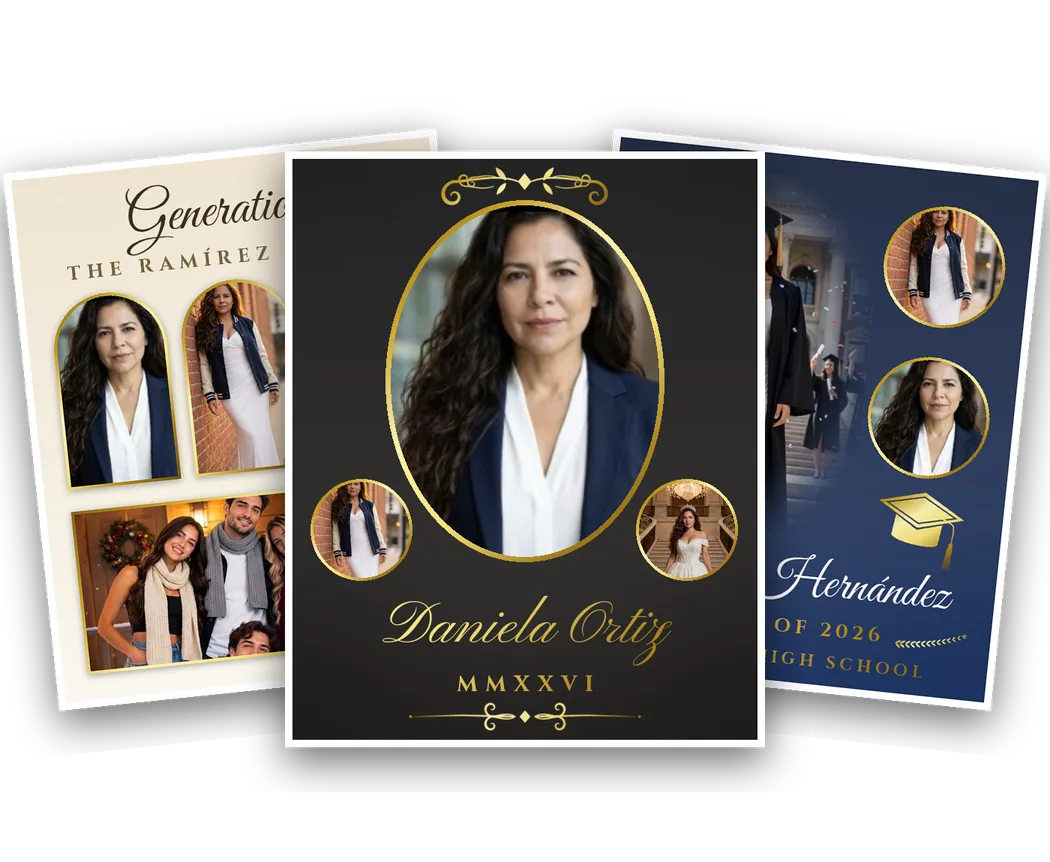
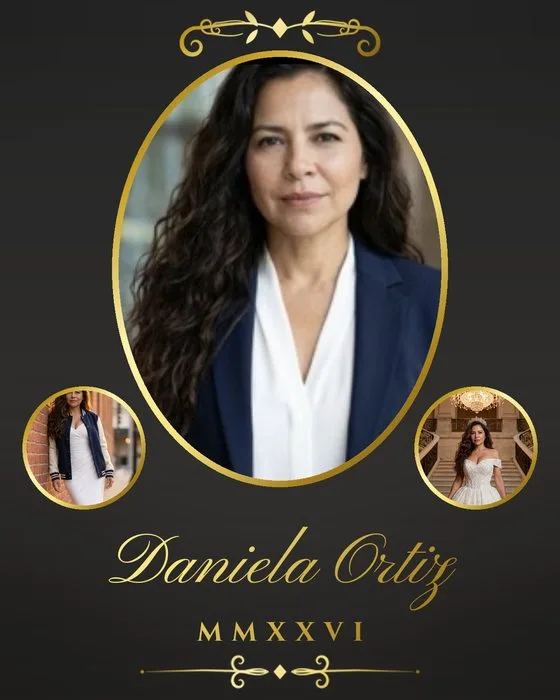
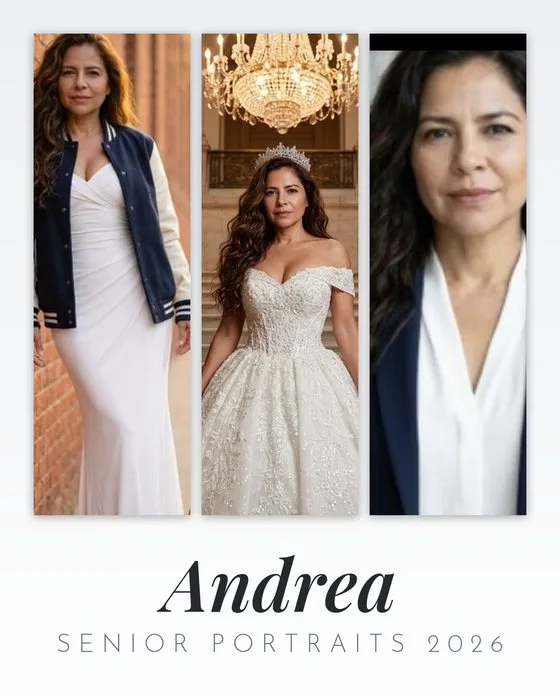
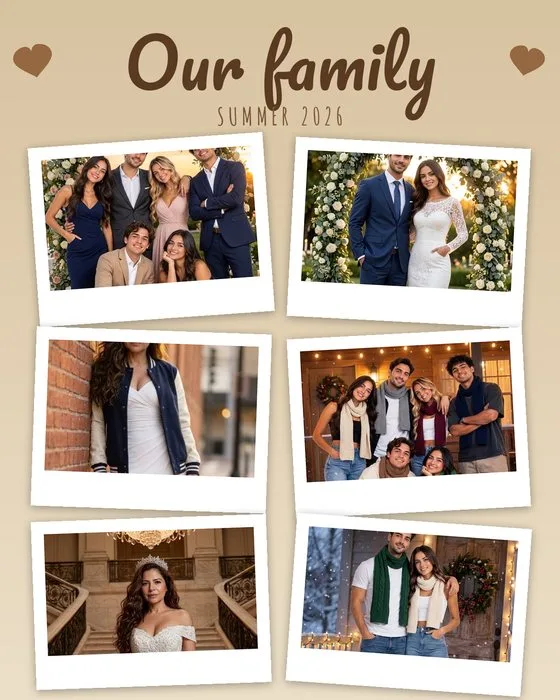
Personal, family and graduation collages with gold borders, ornaments and beautiful lettering — from the photos of the session, in minutes, at 8×10, 11×14 or 16×20. The products studios used to build for an hour in Photoshop, ready before the client leaves.
Everything a portrait product needs
12 templates
Four personal, four family and four graduation designs, each in vertical and horizontal.
8×10 to 16×20
Full-resolution files: print the 8×10 on location, send 11×14 and 16×20 to your lab.
Seven photo shapes
Straight, soft fade, oval, circle, arch, heart and instant-photo — with optional metal borders.
Faces framed for you
Tap a space, pick a photo: the face is found and framed automatically. Drag or pinch to adjust.
Backdrop removed
Soft-fade spaces lift the person from the studio backdrop on the device, like Caritas.
9 colour themes + yours
Ivory & gold, black & gold, navy, maroon, emerald, blush & rose gold, sage, white & silver, kraft — or your own colours and background image.
25 lettering styles
Scripts, classics, moderns and big & fun — one for the name, another for the details, in gold, silver, rose gold or any colour. Import your own fonts too.
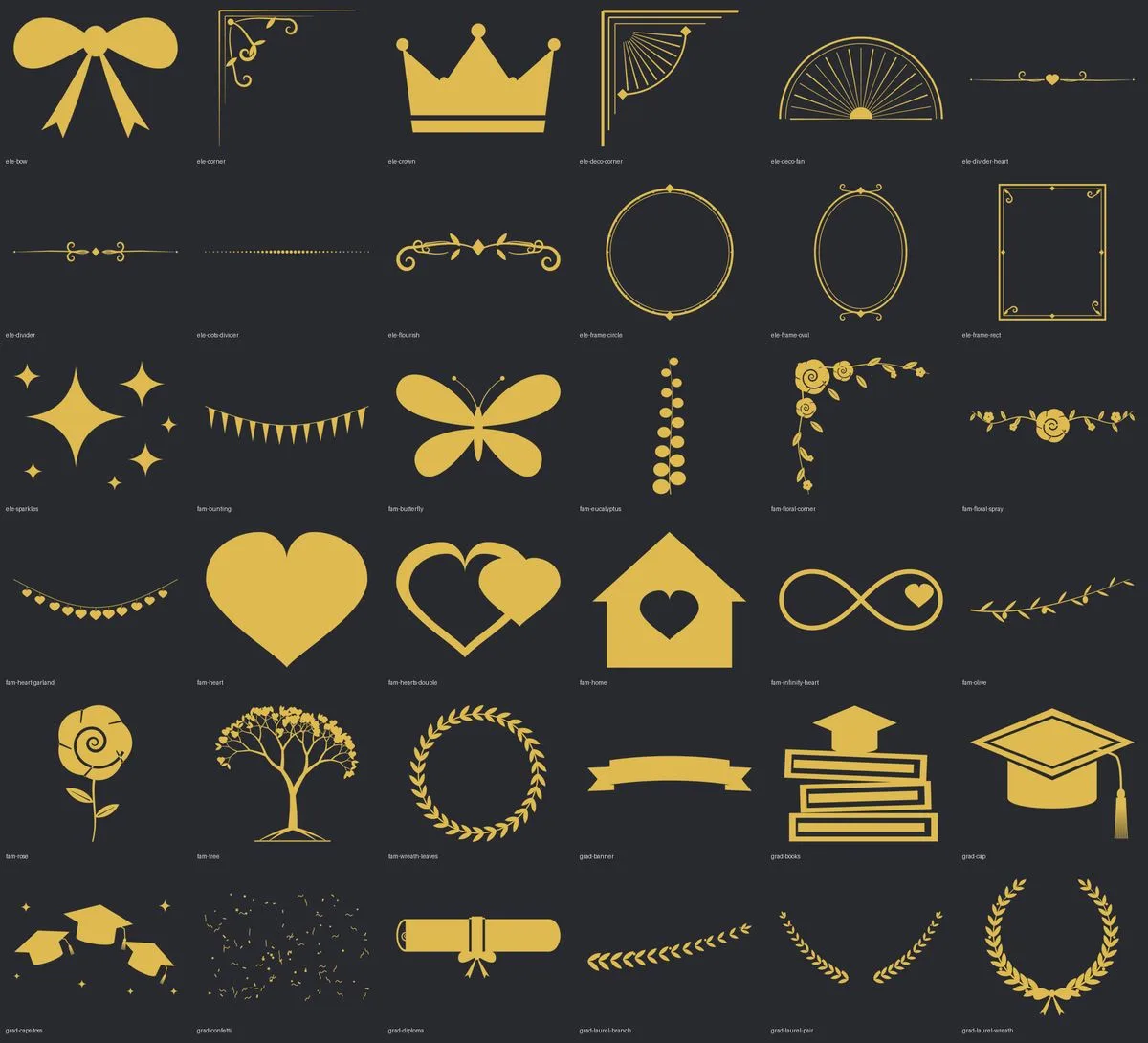
41 ornaments
Caps, diplomas, laurels, hearts, garlands, flowers, frames and flourishes, tinted to the theme. Add your own PNGs.
School mode
Paste the class list; each name fills the design, the newest photo drops in, save and go to the next student.
Personal, family and graduation
Each one comes with its own colours and letters — change them freely, then switch templates and they come back.
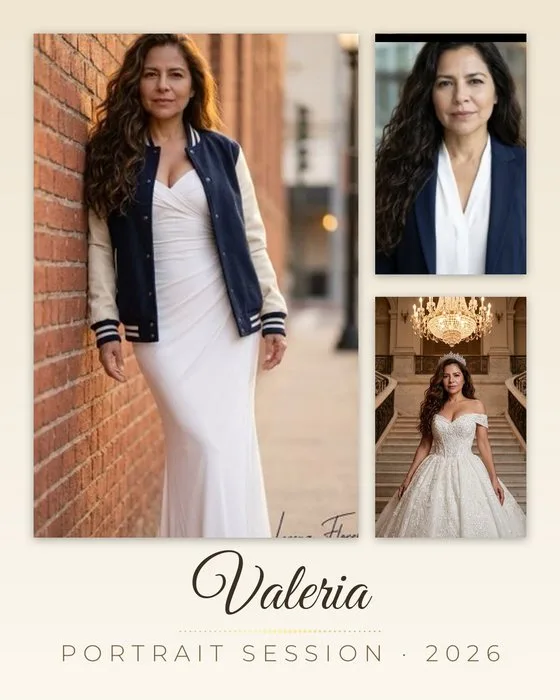
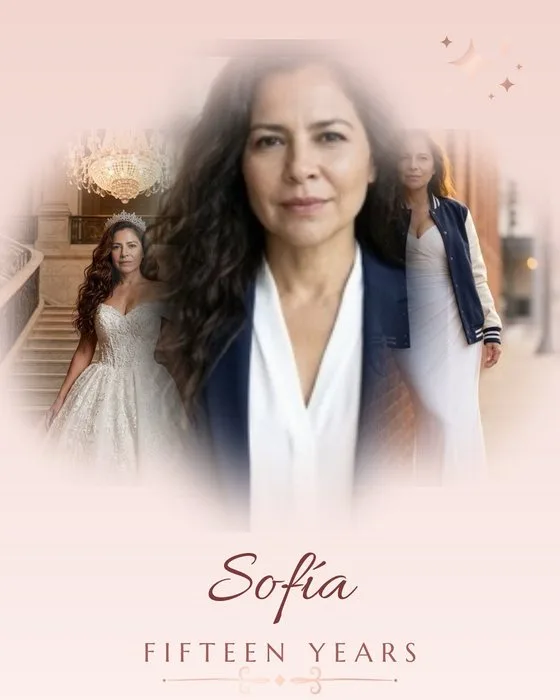
Personal
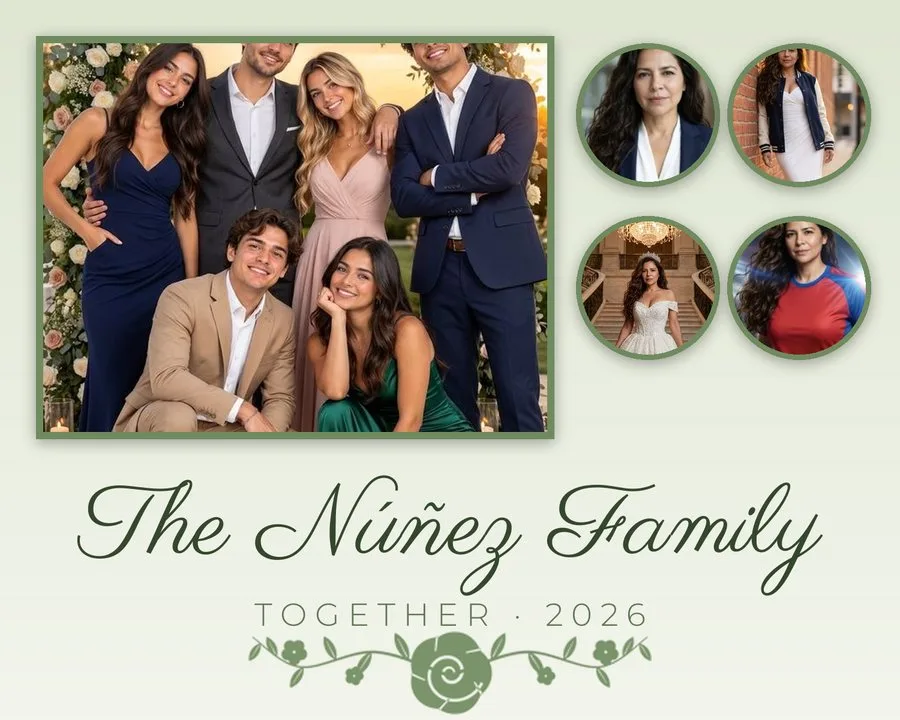
Senior sessions, XV años, headshots and portrait sessions.
Family
Family sessions, reunions, generations and holiday portraits.



Graduation
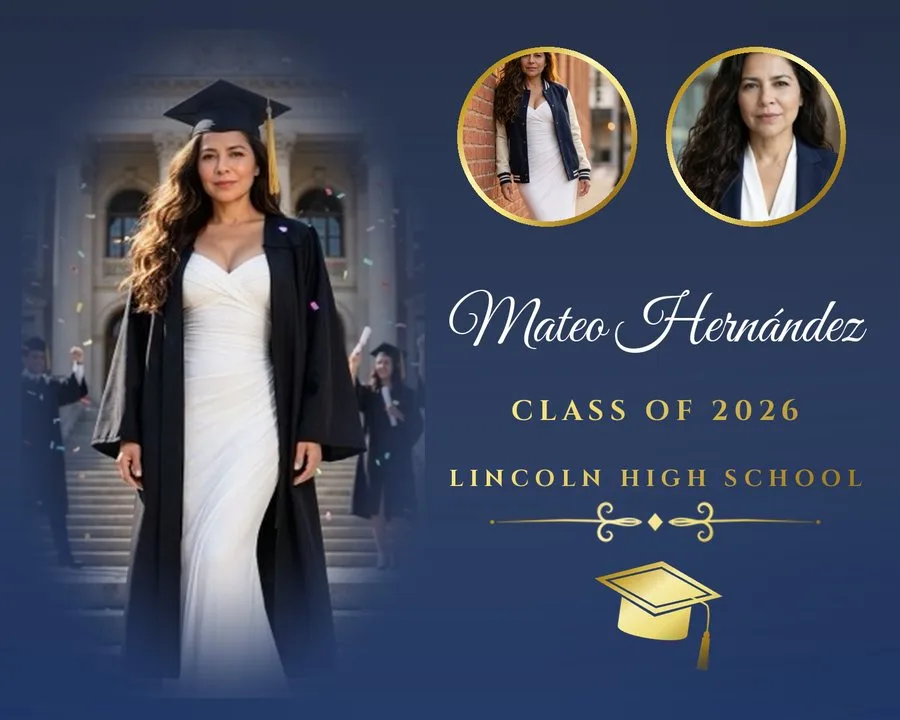
Cap and gown, class of, school colours — for one graduate or a whole class.
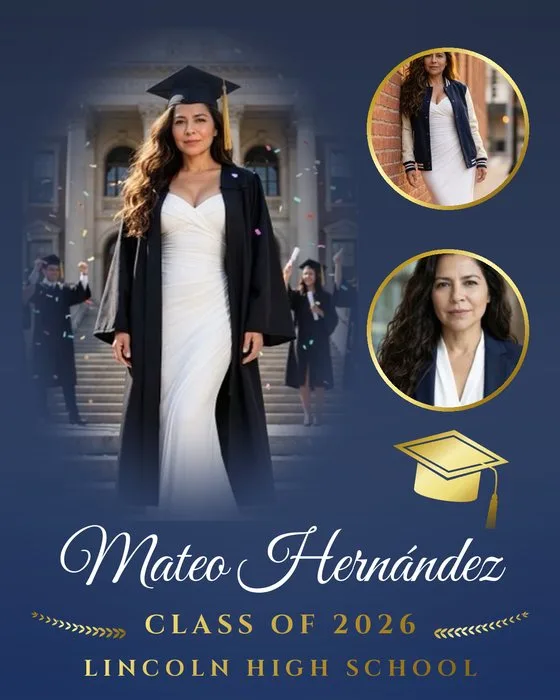
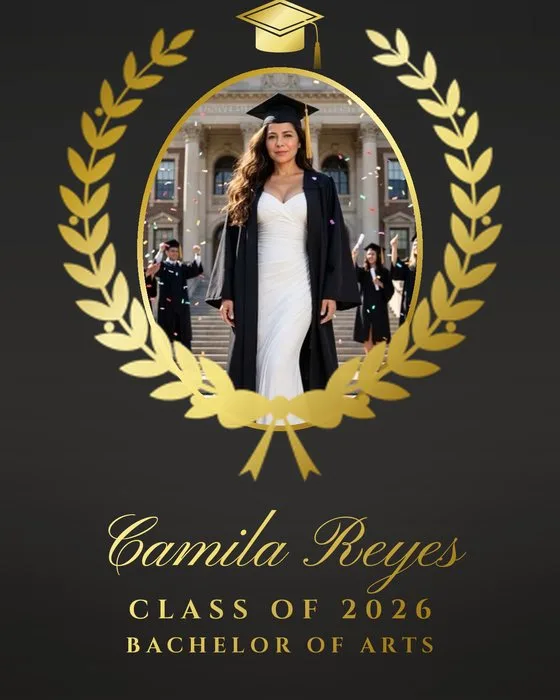


Previews drawn with the templates’ layouts and sample photos from the app’s scene gallery. Names are samples.
Every design in both orientations
Turn the print and the layout is rebuilt for the new shape — circles stay round, names stay centred.
Finishing touches, in the theme’s metal
Four steps from the session to the frame
Choose a template
Personal, family or graduation — the picker shows each design with sample photos and its own colours.
Fill the spaces
Tap each space and pick a photo from the event gallery; faces are framed for you.
Make it yours
Name and details, theme, letters and ornaments. Edit layout: drag, pinch or twist any photo, text or ornament.
Print or deliver
Create renders the full-resolution file: print the 8×10 over AirPrint, or send it by QR, WhatsApp, email or AirDrop — or to your lab.
Full resolution for every size
Vertical as shown; horizontal swaps the sides. The app picks the matching paper when you print over AirPrint.
| Size | Pixels | Resolution | Best for |
|---|---|---|---|
| 8×10On location, on an 8×10 AirPrint printer. | 2400 × 3000 px | 300 ppi | On location, on an 8×10 AirPrint printer. |
| 11×14Lab print — the favourite framed size. | 3300 × 4200 px | 300 ppi | Lab print — the favourite framed size. |
| 16×20Lab print — a wall portrait. | 4000 × 5000 px | 250 ppi | Lab print — a wall portrait. |
Portraits questions
Is it made with AI?
No. Layouts, face framing and backdrop removal run on the device. AI is only an option for drawing a new ornament from a text description — no photo is ever sent.
Which sizes can I print?
8×10, 11×14 and 16×20, vertical or horizontal. The 8×10 prints on location over AirPrint; the larger files are made for your lab.
Can I save my own designs?
Yes. My templates keep everything except the photos, and you can share them between iPads by AirDrop or Files.
How does school mode work?
Paste the list of students (or import a CSV). Each name fills the design; tap Use the newest photo, then Save & next student. Files are named Name_School_date.jpg.
Is it in the free plan?
Portraits & collages is a Pro feature. The kids’ Caritas collage is included in the free plan.
Sell the wall portrait, not just the files.
Portraits & collages is part of AI Photographer Pro.